
Get Free Kraft and P&G Coupon Booklet $20 in Savings
You can Also Follow Us On Facebook, Twitter, Pinterest, Instagram and Telegram for 24 hour freebie updates and more!

Hunt4Freebies
Your One Stop Shop For Freebies & Deals
Hunt4Freebies may earn a small commission via affiliate links in this post. Read our full disclosure policy here
Get Free Kraft and P&G Coupon Booklet $20 in Savings
You can Also Follow Us On Facebook, Twitter, Pinterest, Instagram and Telegram for 24 hour freebie updates and more!

 FREE Subscription to Netflix Family Magazine, Stickers, Games and More
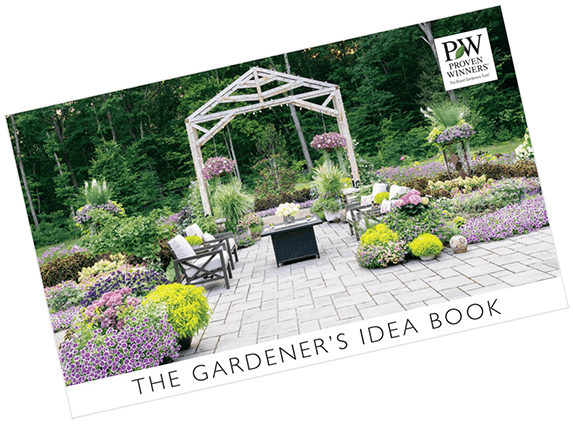 FREE 2026 Proven Winners Gardener’s Idea Guide
 FREE Issue of The Sun Magazine
 FREE Subscription to Bend Magazine
 FREE Subscription to Condé Nast Traveler Magazine
The site asks for zip code then says they can’t locate a store near me. Any ideas??
Hi Christi, :wavey:
Enter Zip Code 60051 – That one should work for sure
2.) Then click on one of the 4 pictures that come up.
3.) Then scroll down all the way to the bottom of the page and click next.
4.) Click next again
5.) Click next again
6.) Click next again
7.) Then a form will pop up for you to fill out your mailing info. Then you should be all set.
NOTE: You don’t need a store or preffered card
I hope this helps.
-Mike