

Recently Facebook has made some changes causing some readers not to see the Hunt4Freebies most recent updates. So you will need to make a few tweaks so you will see the new updated content and don’t miss out on any freebies and deals we post.
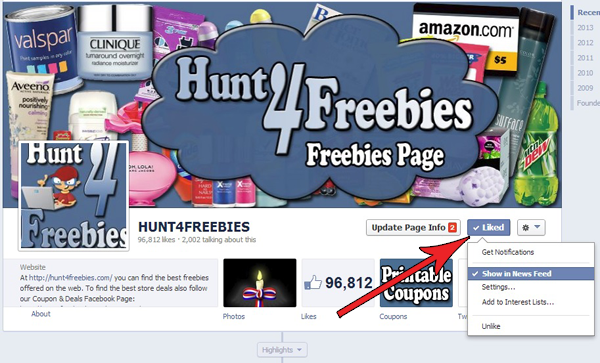
1.) Go to Hunt4Freebies Facebook Page and “LIKE” or If you already “LIKE” the page, hover your mouse over the “LIKE” button and make sure your have “Show in News Feed” checked. Next: see step #2 below.
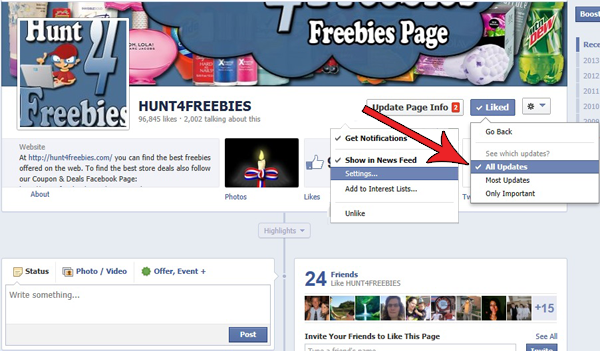
2.) Then click “Settings” and make sure you have “All Updates” Checked. Next: see step #3 below.
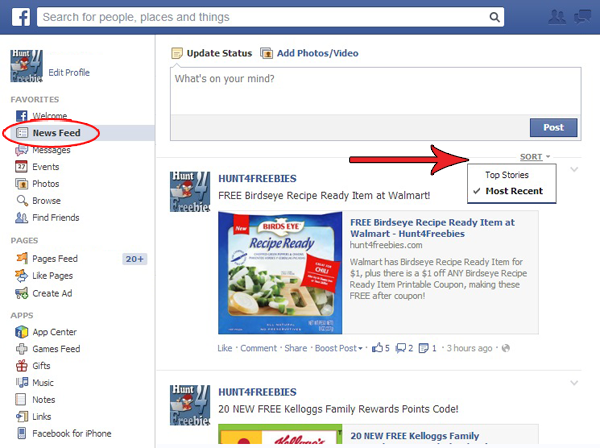
3.) Go to your own Facebook page and make sure your on the “News Feed” and click where it say’s “SORT” and then make sure “Most Recent” is checked. NOTE: You may need to repeat this step every time you login to your Facebook page. If you have the new Facebook design see below for more information.
Note: If you’re one of the few who can access the new design Mashable has a great post to read: How to See EVERYTHING in Your Facebook News Feed
You can Also Follow Us On Facebook, Twitter, Pinterest, Instagram and Telegram for 24 hour freebie updates and more!
 Over Charged for Beef Class Action Settlement
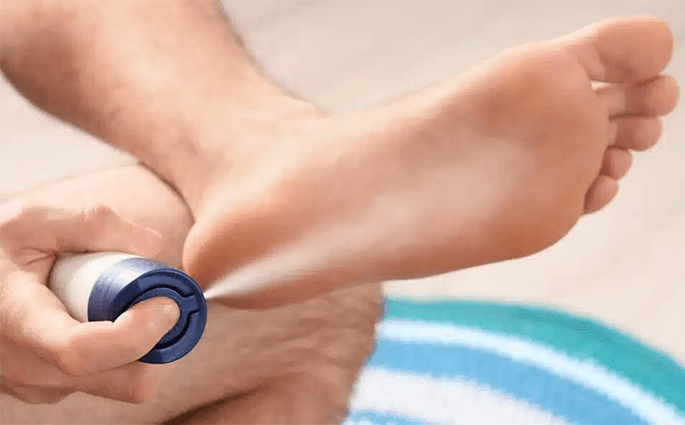 Bayer Antifungal Spray Class Action Settlement
 FREE $20 Credit for Verizon Wireless Users
 We Wish Everyone A Very Happy New Year 2026!
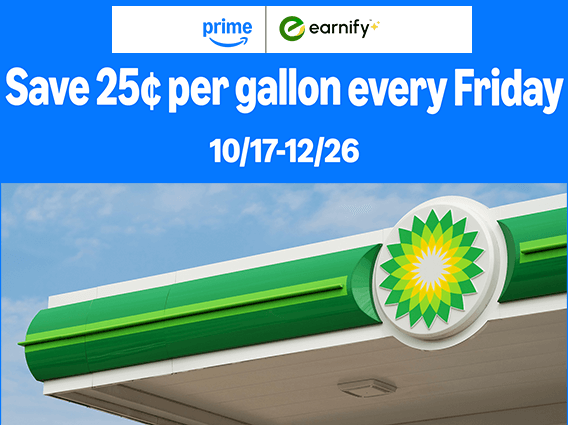 Amazon Prime Members Save 25¢ Per Gallon Every Friday for the Rest of the Year