
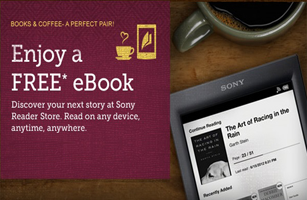
To get a FREE Ebook of Your Choice From Sony and Peets you just need to follow the steps on their page. You can read these book on any device including your PC.
1.) Select an eBook from the eligible list and add the eBook to your cart.
2.) In your account click or tap “Redeem Promo Code / Gift Card” and enter your coupon code BooksCoffee and click or tap “Redeem” or “Redeem Code”.
3.) Create a new Reader Store account on any Wi-Fi enabled Reader, PC, Mac, Smartphone or Tablet. Complete the checkout process.
4.) Download your new eBook and enjoy reading!
Related:
• Over 1,000 FREE Sony Rewards Points Codes
You can Also Follow Us On Facebook, Twitter, Pinterest, Instagram and Telegram for 24 hour freebie updates and more!
 FREE Subscription to LEGO® Life Magazine
 FREE Subscription to Real Simple Magazine
 FREE Subscription to Harper’s Magazine
 FREE Subscription To Southern Living Magazine
 FREE $10 to Shop April Amazon Bookshelf for Xfinity Rewards Members
Thanks saved $11 on a book.