

Several Hunt4Freebies readers have been reporting that they have been unable to see the Hunt4Freebies Facebook page newsfeed. To see all of the latest updates on Hunt4Freebies Facebook page follow the steps below or You can Follow These Steps Here.
1.) Hover your mouse over the “LIKE” button and click “Show in Newsfeed” and “Get Notifications”
2.) Also commenting and “LIKING” posts on Hunt4Freebies page should also help bring back your newsfeed.
3.) You can also create a “Facebook List” here is a step by step guide on how to do that.
4.) You can also follow us on Google+ and Pinterest.
(Thank You, Robin and Tina for your help on Facebook!)
You can Also Follow Us On Facebook, Twitter, Pinterest, Instagram and Telegram for 24 hour freebie updates and more!
 Over Charged for Beef Class Action Settlement
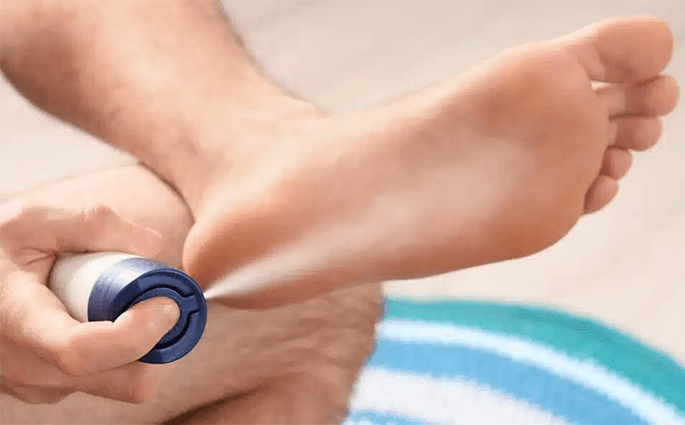 Bayer Antifungal Spray Class Action Settlement
 FREE $20 Credit for Verizon Wireless Users
 We Wish Everyone A Very Happy New Year 2026!
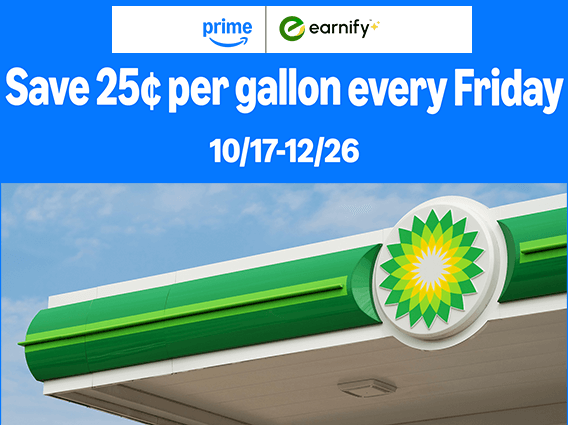 Amazon Prime Members Save 25¢ Per Gallon Every Friday for the Rest of the Year