

To get a FREE $10 JCPenney Reward download the JCPenney app, simply scroll down and click the free $10 reward box on the lower right of the page. Download the app on IPhone or Android, sign in and create a new JCP account. Save a valid credit card to your JCP account and your free $10 reward will appear in your Rewards account or JCP wallet in about 4 hours from completion. You need to add a credit card to the payment method section of the account to get it.
Valid for new app users only.
Related Post:
• FREE $10 off $10 at JCPenney Coupon In-Store on July 22!
You can Also Follow Us On Facebook, Twitter, Pinterest, Instagram and Telegram for 24 hour freebie updates and more!
 ZAP Surveys – Earn Rewards and Cashout
 FREE $10 in Target Circle Rewards for Teachers & College Students
 Acorns offers $20 Sign Up Bonus
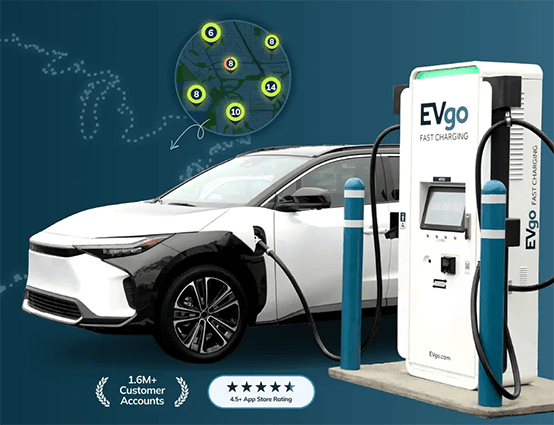 FREE $20 Electric Vehicle Charging Credit
 FREE $100 Slips Bet Credit