

Purchase $10 at Panda Express get $10 Back with PayPal or Venmo simply follow the steps below:
- Open the PayPal App
- In Upper Right Corner of PayPal App, click the QR Code Symbol
- Select “Show to Pay“
- When you are ready to pay for your First $10 Panda Express Order, present QR Code to Cashier
- Confirm Payment if Prompted
- Receive your payment confirmation
- Your reward will be added to your account immediately upon making an Eligible Purchase.
PayPal and Venmo are now accepted in-person at participating Panda Express restaurants! Just use the PayPal app to make your first Panda Express in-store order and get $10 cash back. Offer good until November 9th.
You can Also Follow Us On Facebook, Twitter, Pinterest, Instagram and Telegram for 24 hour freebie updates and more!
 FREE Ozark Camp Chair from Walmart after Cash Back
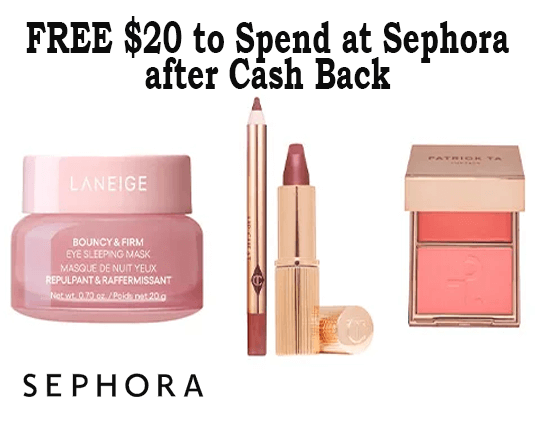 FREE $20 to Spend at Sephora after Cash Back
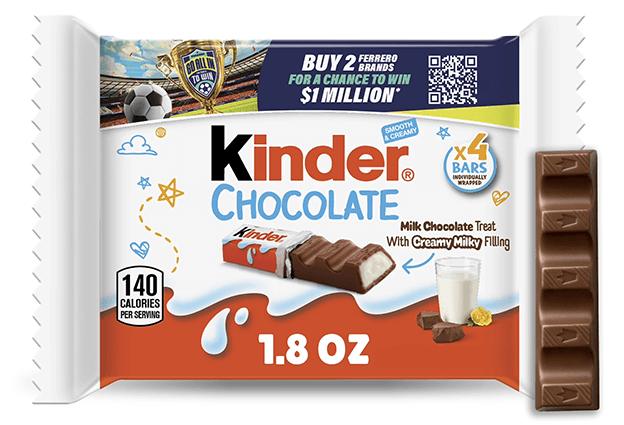 FREE Kinder Chocolate Bar After Walmart Cash
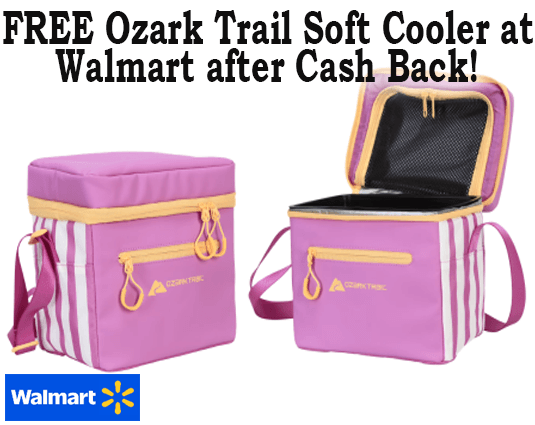 FREE Ozark Trail Soft Cooler at Walmart after Cash Back
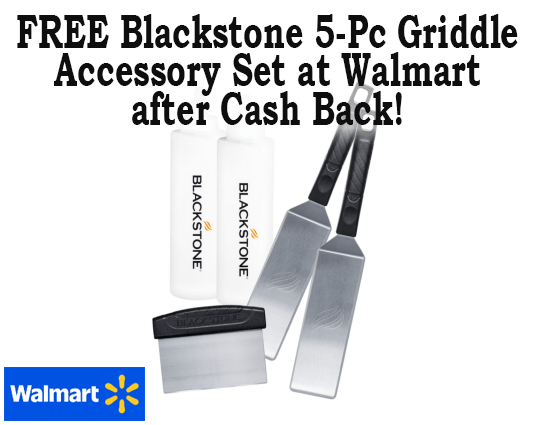 FREE Blackstone 5-Pc Griddle Accessory Set at Walmart after Cash Back